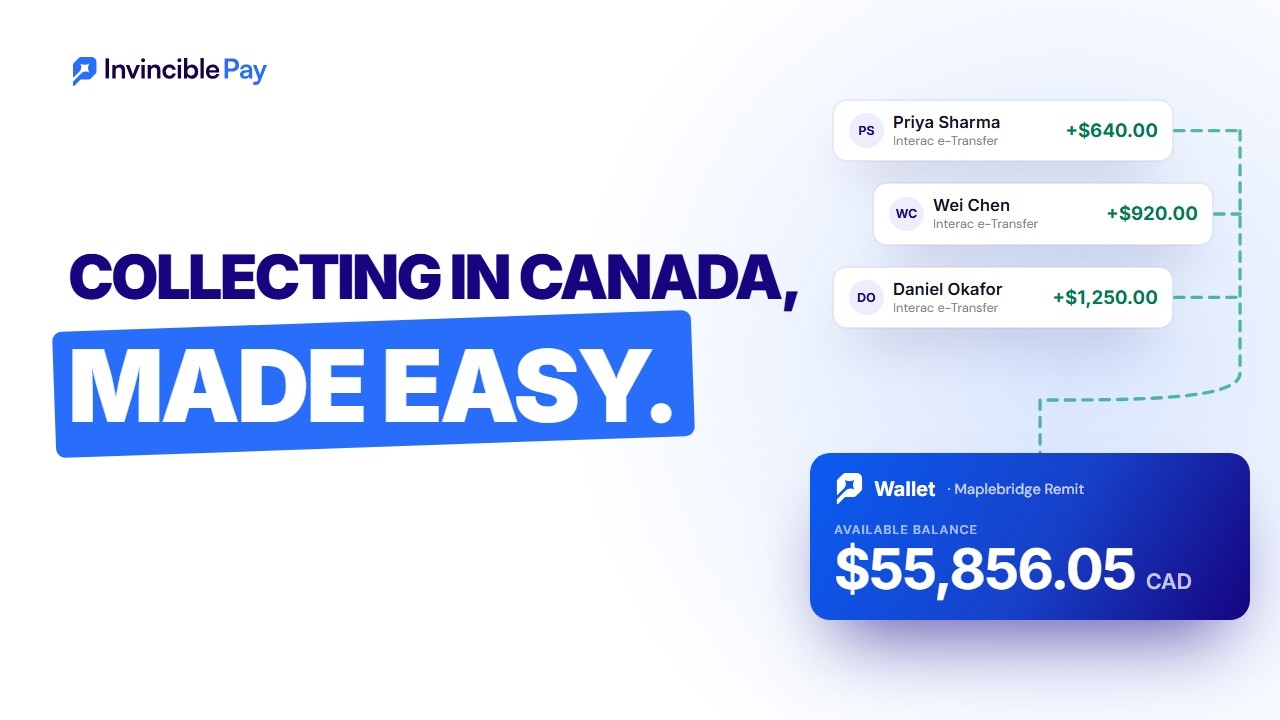
 Remittance companies
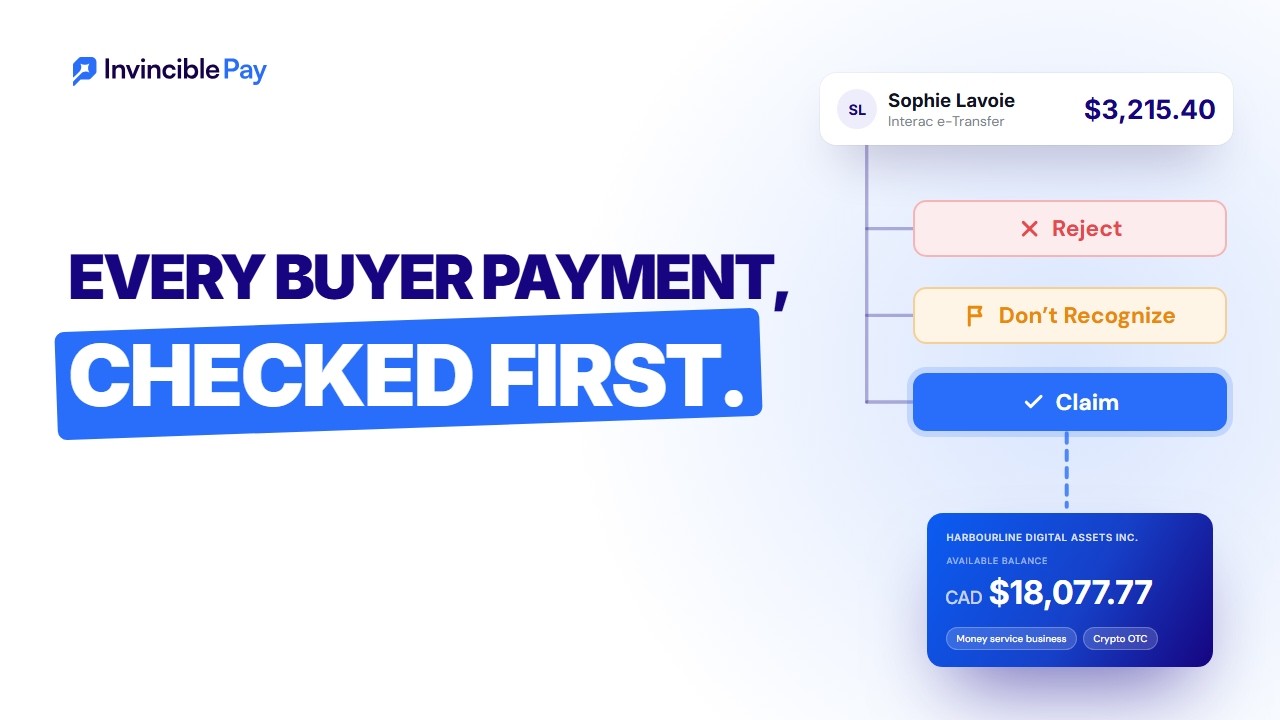 Crypto OTC desks
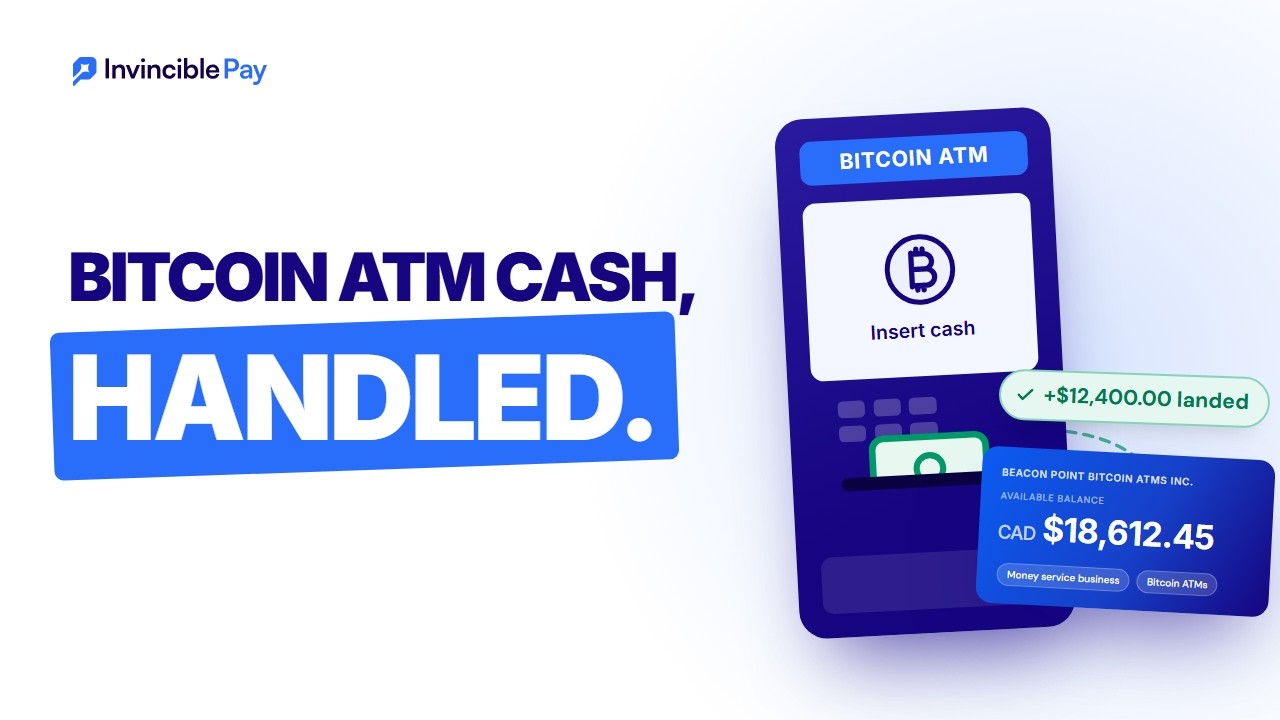 Bitcoin ATM operators
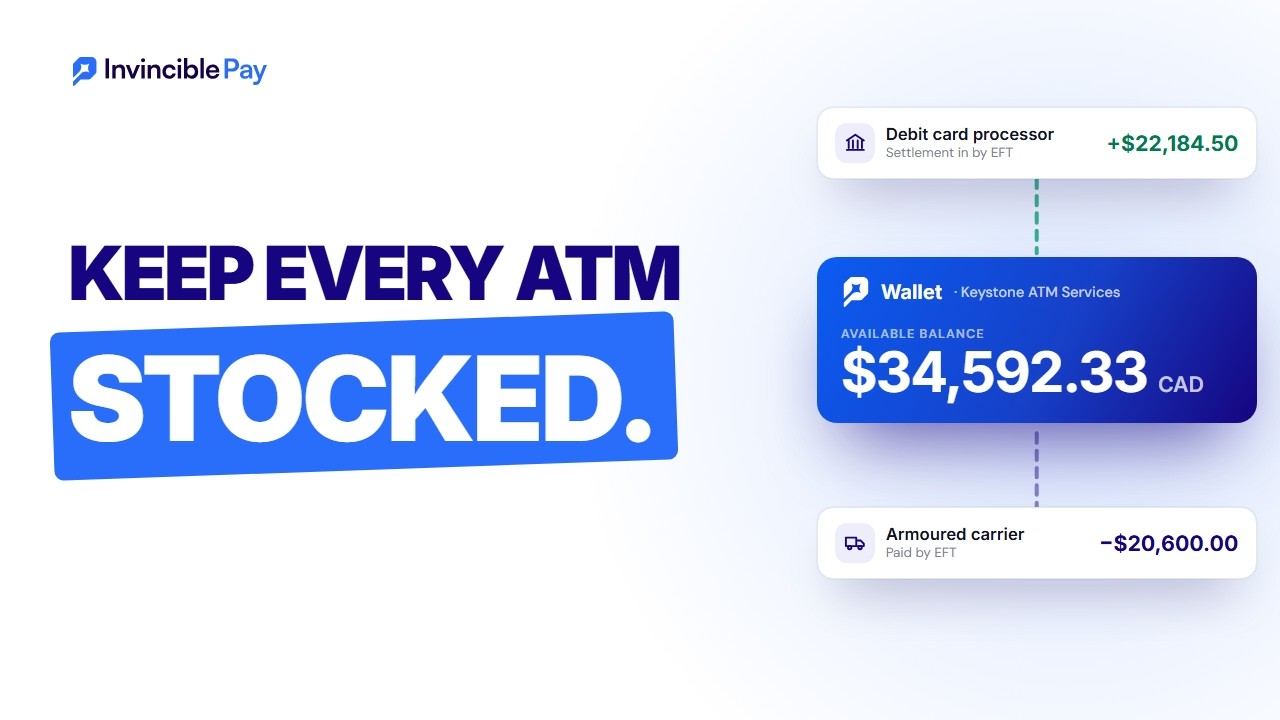 ATM operators
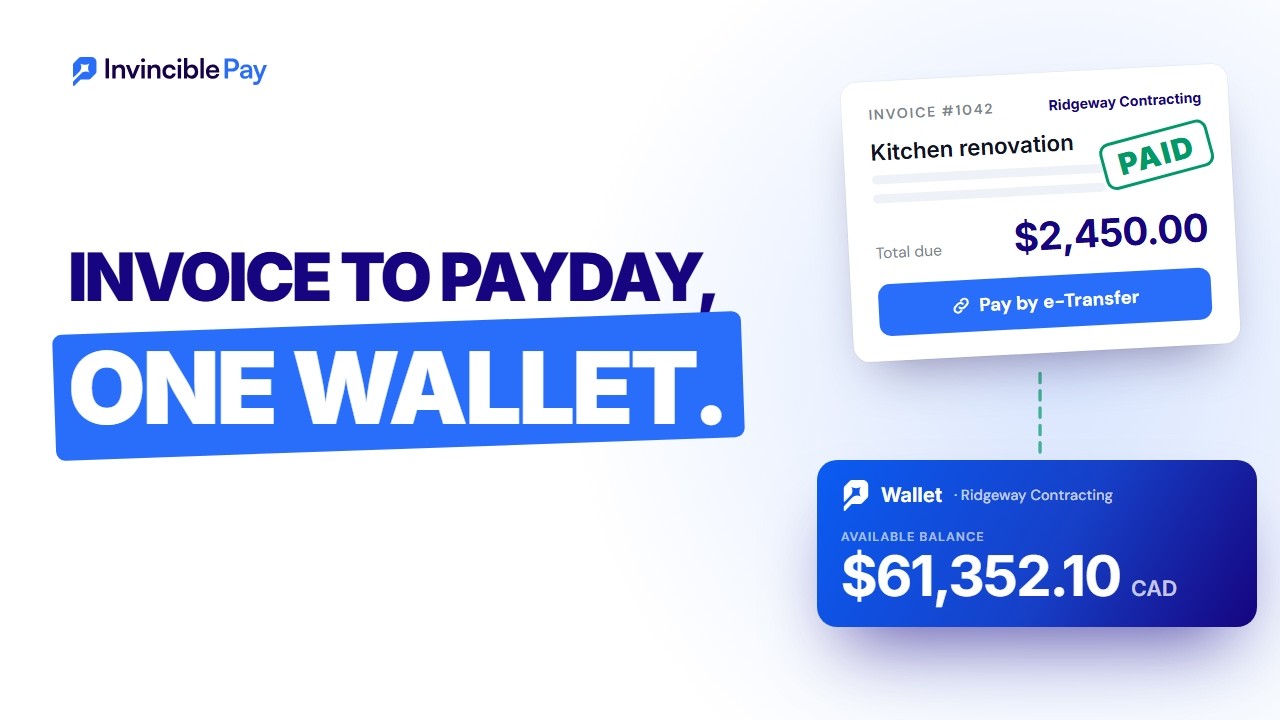 Small businesses
Interac e-Transfer checkout for your website
e-Transfer checkout lets your customers pay by Interac e-Transfer in 3 clicks. Each payment is an e-Transfer request tied to its order number, so it lands in your wallet already matched, with no hold.
Your customers pay in 3 clicks
Accept Interac e-Transfer online from the bank your customers already use. There's nothing for them to sign up for, and nothing to install.
1Pick Interac e-Transfer
At your checkout, your customer enters their email and chooses Interac e-Transfer. Placing the order sends them an e-Transfer request for the exact amount.
2Open the request
The request arrives in their email with your order number on it. They open it and pick the bank they already use.
3Pay from their bank
They sign in to their own online banking and pay the request from their account. Once it lands, your checkout shows the order confirmed.
Every payment matched to its order number
Use e-Transfer checkout as the Interac payment gateway on your online store. Here's what you get as the merchant.
Easy reconciliation
Every e-Transfer request carries its order number, so each payment arrives already matched to its order. You see which orders are paid at a glance, with no spreadsheet at the end of the day.
Your checkout updates live
A webhook tells your site the moment the payment lands. The order turns to paid and your customer sees it confirmed, with nobody refreshing a page.
No hold on your money
Payments go straight into your Invincible Pay wallet. There's no holding period before you can use what your customers paid.
Pay out the same day
Send the money on the day it arrives, by Interac e-Transfer, EFT or wire. Send up to $25,000 per e-Transfer, with no daily limit.
| Order | Amount | Payment |
|---|---|---|
| #1043 | $249.00 | Waiting |
| #1042 | $249.00 | Paid |
| #1041 | $86.00 | Paid |
| #1040 | $1,240.00 | Paid |
| #1039 | $412.50 | Paid |
| #1038 | $129.00 | Paid |
Watch each payment come through
Your site creates the checkout with your order number. When the payment lands, we send a webhook with the same order number, so your checkout page can show the order confirmed while your customer is still on it.
- Create the checkout with your order number
- Your customer pays the e-Transfer request from their bank
- Get the
checkoutCompletedwebhook and confirm the order
{
"amount": "249.00",
"currency": "CAD",
"externalId": "order-1042"
}
{
"type": "checkoutCompleted",
"externalId": "order-1042"
}
Easy to set up, with your account manager
You don't set it up alone. Your account manager helps you connect checkout to your store, and stays with you after you go live.
- Tell us which store platform you use, and we'll show you how checkout connects to it
- Your account manager helps your developers add the webhook, so orders update live
- Apply in about 20 minutes. Usually approved within 3 business days. Processing payments within 5, once we have your documents
e-Transfer checkout, answered plainly
Add e-Transfer to your checkout
Tell us about your store and how your customers pay. We reply within 24 hours on business days.