Help with your Invincible Pay wallet.

The Help Centre for Invincible Pay customers. Watch a short how-to video for your wallet, or send a ticket to customer care, technical support, billing or onboarding. We reply within 24 hours on business days.

Send a ticket

Pick the team, tell us what happened and add a screenshot if it helps. Your wallet reference number lets us find your account faster.

Choose an image or drop it herePNG, JPG, GIF, WebP or HEIC, up to 20MB

How-to videos

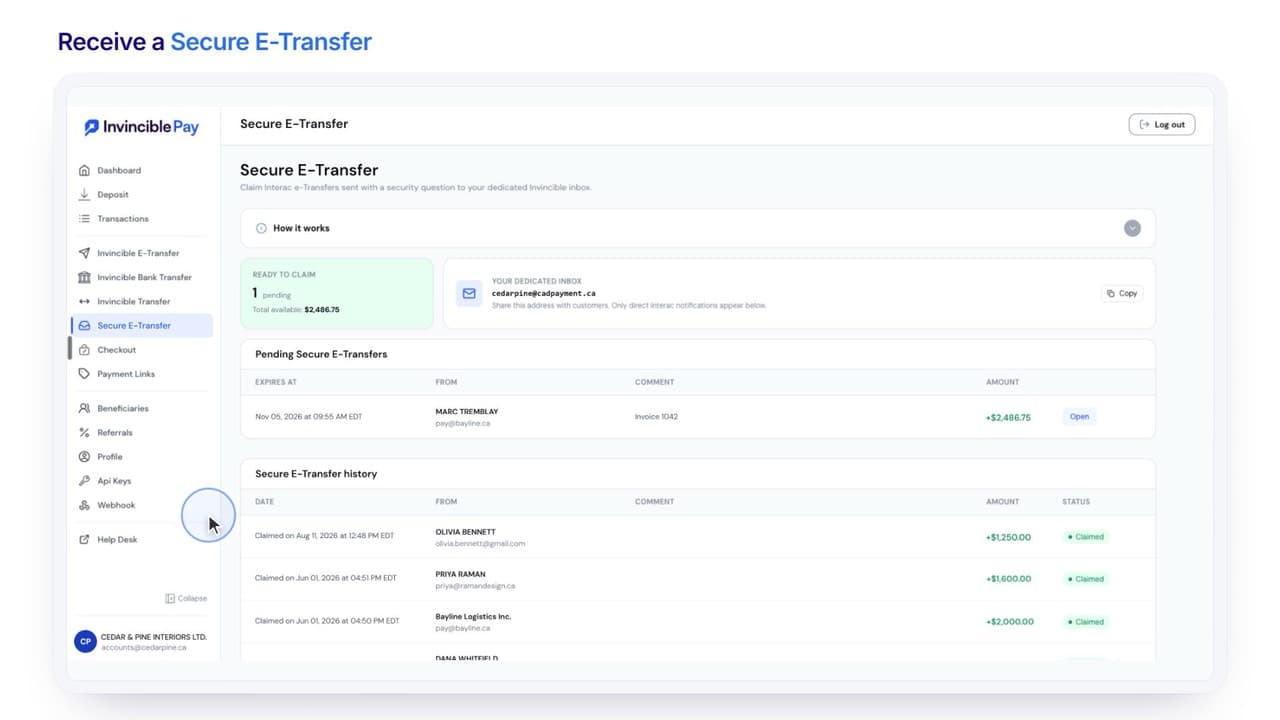
How to Receive a Secure e-Transfer: the Secure e-Transfer page in the Invincible Pay wallet

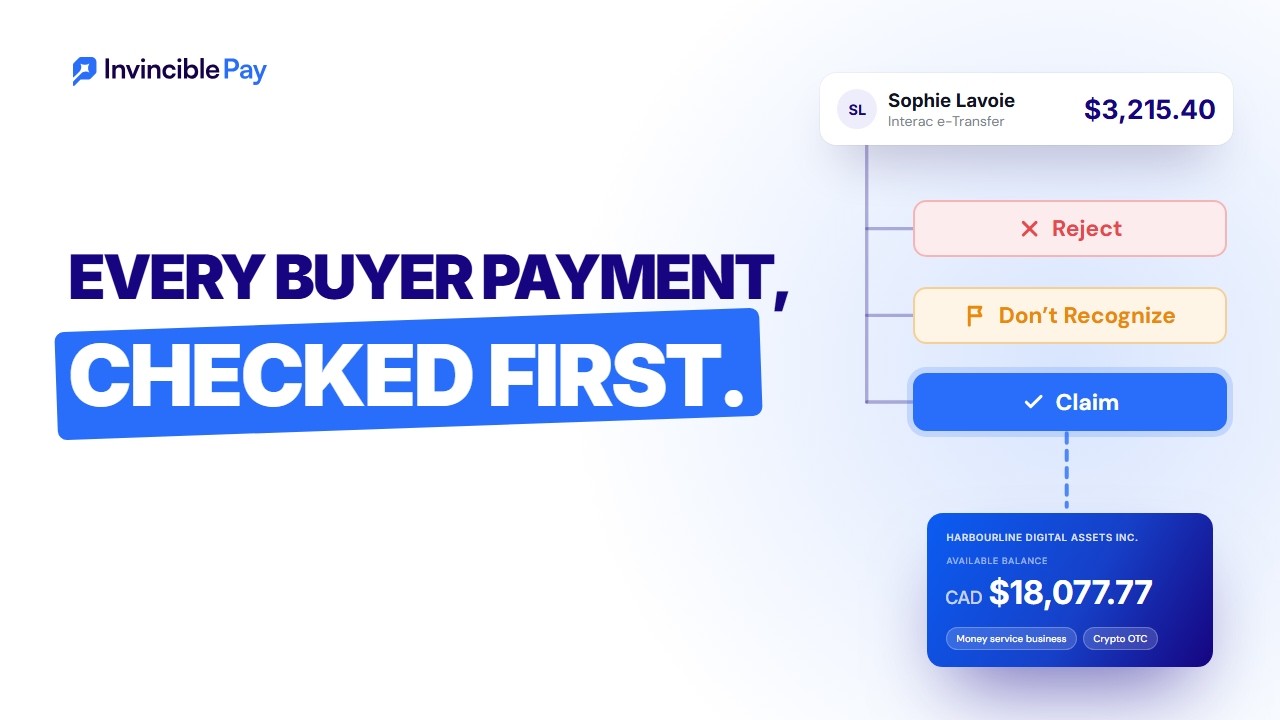
How to Receive a Secure e-Transfer 0:41Protect yourself against fraud. Any e-Transfer sent with a security question waits in Secure e-Transfer until you claim it, reject it or mark it as not recognised.

  • Call us

    Monday to Friday, 9am to 6pm MT. Best for an urgent sign-in or billing problem.

    +1 (587) 288-5511
  • Email us

    Add your wallet reference number so we can find your account faster.

    info@invinciblepay.com
  • Our office
    Invincible Payment Systems Limited
    200-4909 50 Street, Red Deer, AB T4N 6X2
  • Law enforcement

    Requests and preservation requests come through the ticket form.

    Law Enforcement Policy

Quick answers before you send a ticket

We reply within 24 hours on business days, Monday to Friday, 9am to 6pm MT. For an urgent sign-in or billing problem, call +1 (587) 288-5511 during those hours.
It waits in Secure e-Transfer in your wallet, so you can check it before the money lands. Open it and enter the answer to claim it. Reject it, or mark it as not recognised if you don't know the sender. The first video on this page shows each step.
Interac e-Transfers usually arrive within minutes and can take up to 30 minutes. EFTs typically arrive in 1 business day. If a payment is later than that, send a ticket with the amount, the date and who sent it, and we'll look into it.
Send an Interac e-Transfer from your bank to the deposit email shown under Deposit in your wallet. Put your wallet reference number in the message, so the money is matched to your wallet. Or pay in by EFT with your wallet's own institution, transit and account numbers.
Add them as a beneficiary. Open Beneficiaries in your wallet, choose New Beneficiary and save their details once. Next time, pick them from the list when you send.
It's the per-transaction fee set in your agreement. Our published rate is $1.95 + 0.20% per transaction. You see the fee before you confirm a payment, and each fee is listed in your transaction history. Our pricing page lists the rates for each account type.
Send a ticket to Technical Support from the email address on your wallet, and add your wallet reference number if you have it. We'll help you back in. For your security, we may ask you to confirm who you are.
Send a ticket to the Onboarding team for a change to your legal business name or ownership. We'll tell you which documents we need to update your file.

Add a rail to your wallet

To start sending wires, use the crypto on- and off-ramp or connect our API, tell us how your business would use it. We reply within 24 hours on business days.

Talk to our team