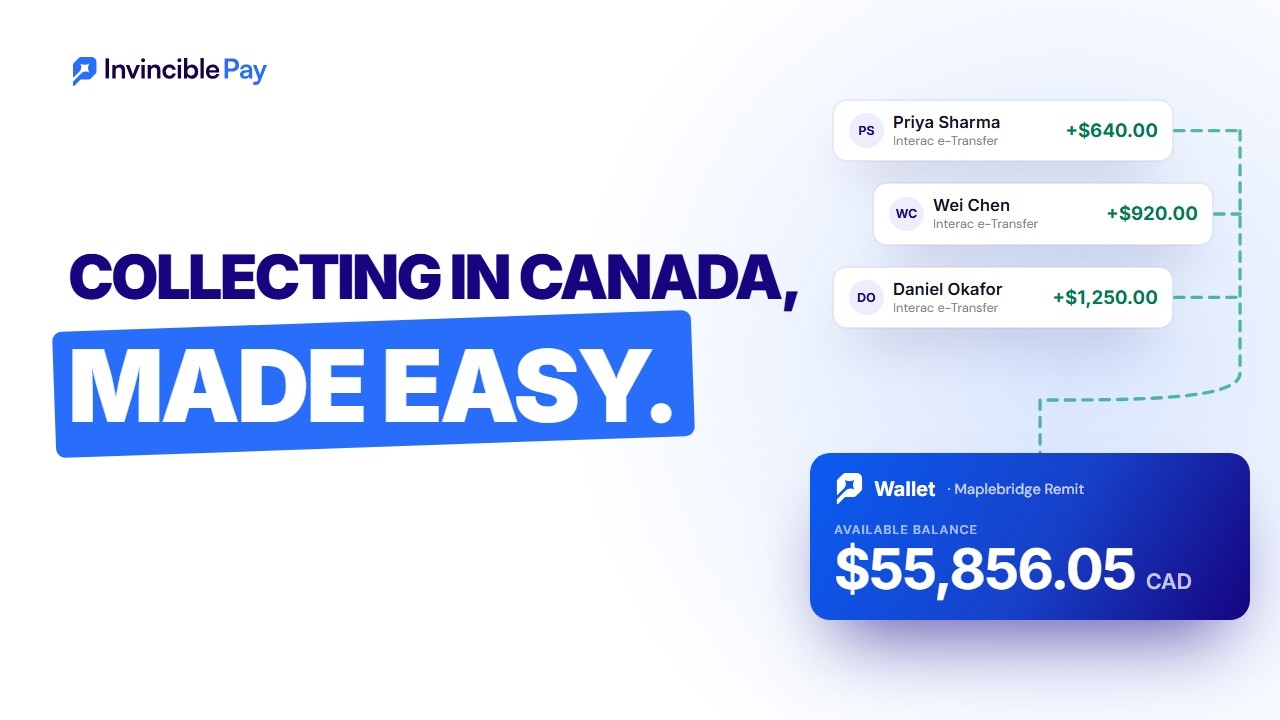
 Remittance companies
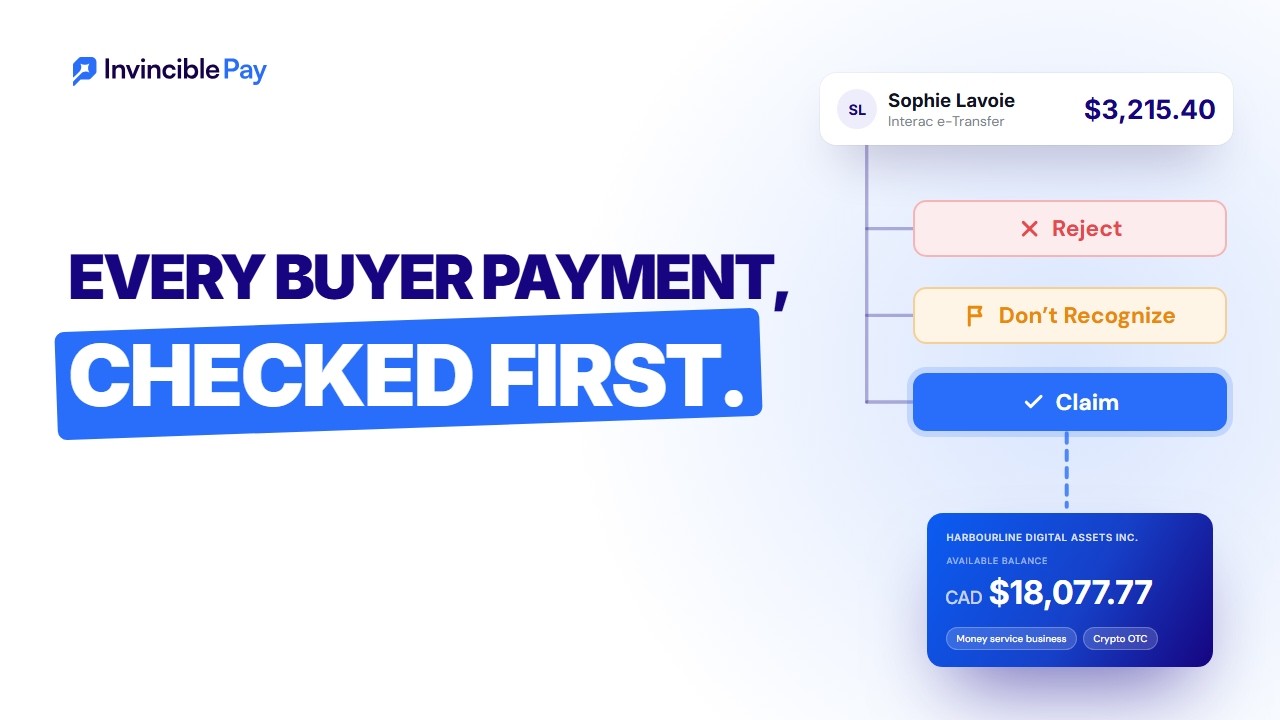 Crypto OTC desks
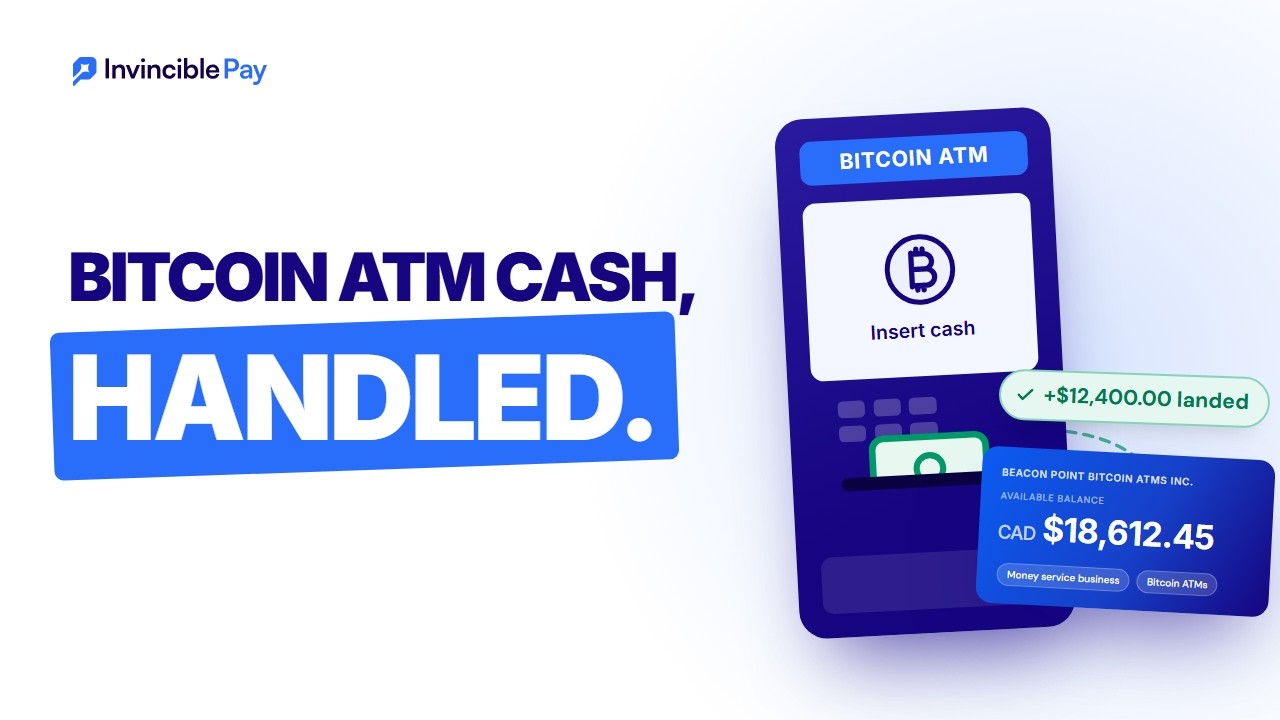 Bitcoin ATM operators
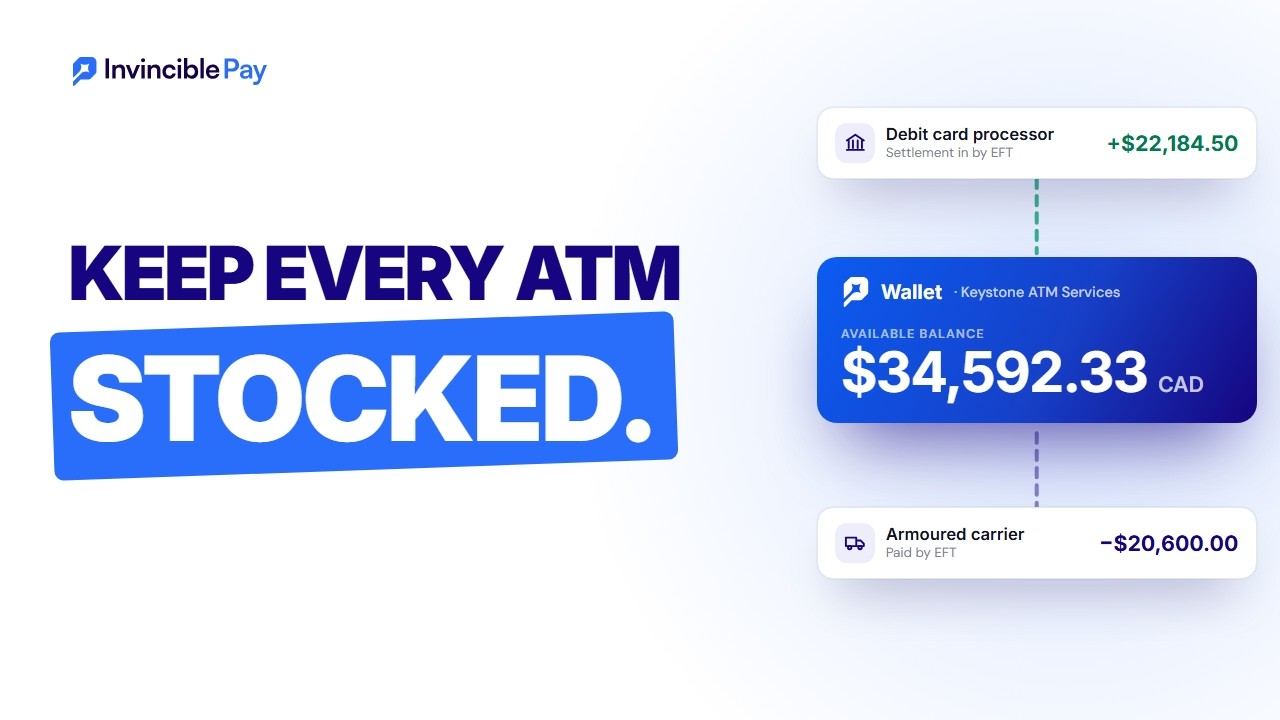 ATM operators
 Small businesses
Contents
What Are Cookies?
Cookies are small bits of text sent by our servers to your computer or device when you access our services. They are stored in your browser and later sent back to our servers so that we can provide contextual content. Without cookies, using the web would be a much more frustrating experience. We use them to support your activities on our website. For example, your session (so you don't have to login again) or your shopping cart.
Cookies are also used to help us understand your preferences based on previous or current activity on our website (the pages you have visited), your language and country, which enables us to provide you with improved services. We also use cookies to help us compile aggregate data about site traffic and site interaction so that we can offer better site experiences and tools in the future.
Cookies We Use
Here is an overview of the cookies and similar browser storage (local storage and session storage) that may be kept on your device when you visit our website:
| Category | Purpose | Examples |
|---|---|---|
| Cookie Choice (essential) | Remembers whether you clicked Accept All or Reject Non-Essential on our cookie banner, so we don't ask you again on every page. It is kept in your browser's local storage. If you clear it, the banner will ask you again. | ip_cookie_consent (local storage) |
| Form Security (essential) | Our contact and help desk forms use Google reCAPTCHA to block spam and automated abuse. It loads only on pages that show one of these forms. Google may also set or read its own cookies when it runs. Google's Privacy Policy and Terms of Service apply. The forms will not work without it. | _grecaptcha (Google, local storage) |
| Onboarding Offer (functional) | On some pages we show an offer that waives the onboarding setup fee if you act on it within 15 minutes. To decide when to show it, we count the pages you view and the time you spend in this tab, in session storage that is cleared when you close the tab. We keep when the offer first appeared and what you did with it in local storage, so the 15 minutes start only once and the offer doesn't come back. If you act on it in time, a cookie set by us keeps your claim for 24 hours, so the next contact form you send carries it to our team. All three are set by us and stay on this device. If you clear them, the offer may show again. | ip_offer (local storage), ip_offer_visit (session storage), ip_offer_claim (cookie, 24 hours) |
| Marketing & Visitor Insights (optional) | Only if you click Accept All, we load the website visitor tracker from Apollo.io. It gives your browser a random ID and records the pages you visit on our website, the website that sent you and any campaign tags in the link. Apollo uses your IP address to work out which company you may be visiting from. We use this to see which businesses are interested in our services. Apollo's servers may also set a short-lived security cookie on Apollo's own website. If you click Reject Non-Essential, or make no choice, it does not load. Read Apollo's Privacy Policy. The website will still work if you reject it. | apolloAnonId, 68234dbd4a1f1c001dedc36f_canTrack, 68234dbd4a1f1c001dedc36f_eventQueue (Apollo, local storage), __cf_bm (Apollo, cookie) |
| Campaign Details (optional) | Only if you click Accept All, we keep the Google Ads click ID and campaign tags (utm_ values) from the link that brought you to our website, and the first page you landed on, in your browser's session storage, so they last for this visit as you move between pages. Session storage is cleared when you close the tab. These details are sent to us only with a form you choose to submit, so we can see which campaign started the conversation. | ip_arrival (session storage) |
Managing Your Cookie Preferences
You can choose to have your computer warn you each time a cookie is being sent, or you can choose to turn off all cookies. Each browser is a little different, so look at your browser's Help menu to learn the correct way to modify your cookies.
Browser-Specific Instructions
- Chrome: Settings > Privacy and Security > Cookies and other site data
- Firefox: Settings > Privacy & Security > Cookies and Site Data
- Safari: Preferences > Privacy > Manage Website Data
- Edge: Settings > Cookies and site permissions > Manage and delete cookies and site data
Do Not Track
We do not currently support Do Not Track signals, as there is no industry standard for compliance.
Changes to This Policy
We may update this Cookie Policy from time to time to reflect changes in our practices or for operational, legal, or regulatory reasons. We encourage you to review this page periodically to stay informed about our use of cookies.
Contact Us
If you have questions about our use of cookies or this policy, please contact us:
- Email: info@invinciblepay.com
- Phone: +1 (587) 288-5511
- Website: invinciblepay.com/contactus
You may also wish to review our Privacy Policy and Terms of Service for more information about how we handle your data.